 isogrid
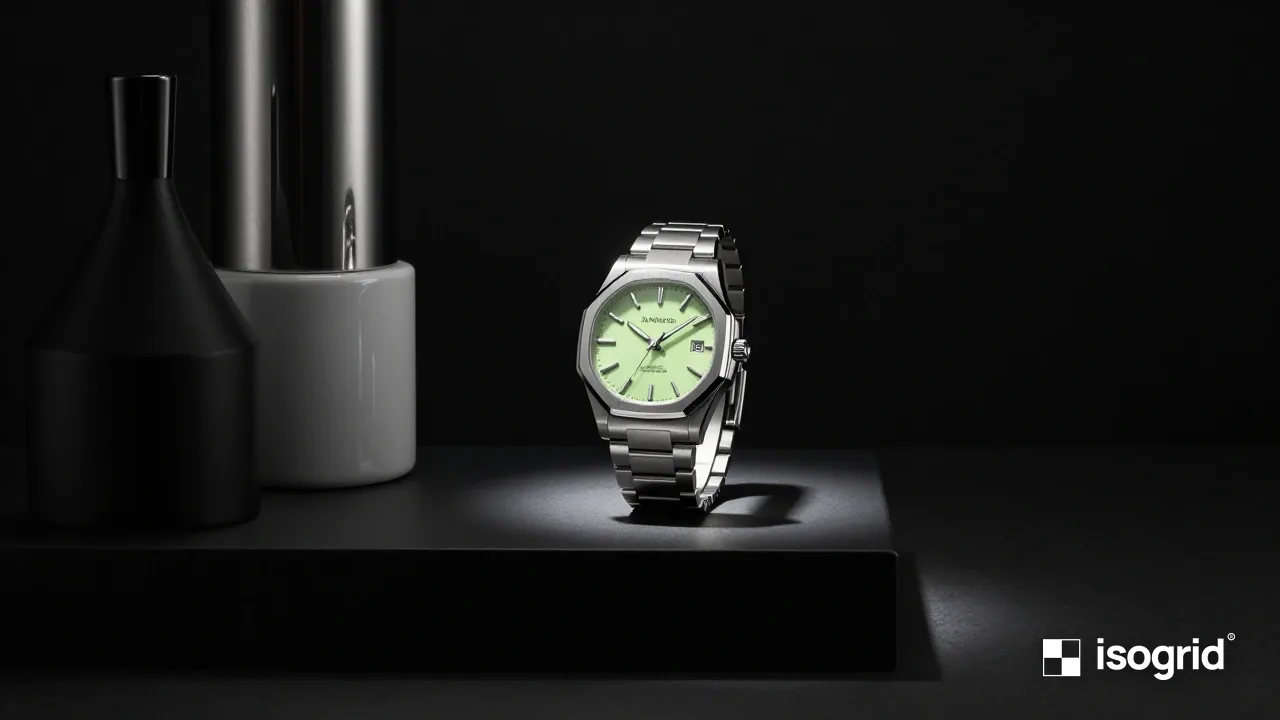
The product page is where an online sale is won or lost. Visitors arrive from search, social media or your category pages with one question: is this the right product, from a seller I can trust, at a price that makes sense? A good product page answers all three quickly, on a phone, without making the customer ask.
This guide walks through the parts of a product page that matter most, in the order customers look at them.
1. Photos that answer questions
Customers cannot touch the product, so photos do the work of a shop assistant.
- Show the product from several angles on a clean background, plus at least one photo in use or in context.
- Include a photo that shows scale: in a hand, on a table, worn by a person, next to a common object.
- Show details that justify the price: stitching, materials, ports, labels, the inside of the box.
- For products with variants, show each colour or option, and switch the photo when the customer picks one.
- Compress images and serve them in modern formats so the page loads fast on mobile data.
2. A title and price that are clear at a glance
The product name should say what it is in words customers use, not only your internal code: "Ceramic Pour-Over Coffee Dripper, 2–4 Cups" is clearer than "CD-204 Classic".
Put the price, any discount and the stock status close to the title. If there are extra costs, such as delivery or installation, say so near the price. Hidden costs at checkout are one of the most common reasons carts are abandoned.
3. The buy button, always within reach
- Make Add to cart the most visible button on the page.
- On mobile, keep it visible or easy to reach as the customer scrolls.
- If variants must be chosen first, make the selection obvious and show an error message in plain words when something is missing.
- Offer the payment methods your customers expect, such as FPX, cards and e-wallets, and show their logos near the button. Our payment gateway guide explains the options.
4. A description written for the buyer
Write the description in your own words. Copying the manufacturer's text means your page is identical to dozens of others, which helps neither customers nor search engines.
A useful structure:
- One or two sentences on who the product is for and the main benefit.
- Key features as a short list, each with why it matters: "Double-walled, so the outside stays cool to hold."
- Specifications in a table: dimensions, weight, materials, compatibility, warranty.
- What is in the box.
- Care or usage instructions if relevant.
Use the terms customers search for, including local names. If customers in Malaysia search in Bahasa Malaysia or Chinese, consider whether a multilingual store is worth it.
5. Answers to the questions that block a purchase
Look at the questions customers ask before buying, on WhatsApp, in marketplace chats or in reviews, and answer them on the page:
- Will it fit or work with what I have?
- How long will delivery take to my area?
- Can I return it if it is not right?
- Is there a warranty, and who handles it?
- Is it genuine?
A short questions section near the bottom of the page handles these. Link to your delivery and returns policies. Our shipping guide explains what to include.
6. Reviews and proof
Genuine customer reviews are among the strongest reasons to buy from a store a customer has never used before. Ask customers for a review after delivery, and display reviews with the reviewer's name or initials and date. Never write fake reviews or offer rewards only for positive ones: it misleads customers and breaches the rules of most review platforms.
If you are new and have few reviews, other proof helps: clear contact details, a physical address or pickup point, photos of your team or premises, and a link to your Shopee or Lazada store ratings if you sell there too.
7. Help search engines read the page
- Give each product a unique title tag and meta description, including the product type and a key detail.
- Use a clean, readable URL, such as
/products/ceramic-pour-over-dripper. - Add product structured data with price in MYR, availability and genuine reviews, matching what the page shows. Our schema markup guide explains how to test it.
- Write descriptive alt text for product images.
- Link to related products and to the category page.
8. Check it on a phone
Open your product page on a mid-range phone, on mobile data, and try to buy. Can you see the price and photo without scrolling? Can you choose a variant easily? Does the cart button respond? Is the delivery cost clear before checkout? Fix whatever slows you down; your customers will hit the same problems.
A quick product page checklist
- Several photos, including scale and detail
- Clear name, price and stock status near the top
- Visible add-to-cart button on mobile
- Original description with features, specifications and box contents
- Delivery cost and time explained or linked
- Returns and warranty information
- Genuine reviews or other trust signals
- Unique title tag, description and structured data
Product page design is part of every store we build. Read our e-commerce planning guide, compare Shopify and WooCommerce, or tell us about your products.